
THE OPERATING SYSTEM FOR EVERY EVENT
From opening registrationto the end of your event,EventOS handles it.
Helps you create your event page, send confirmations and QR tickets, remind guests, organize staff, check guests in, greet them on a welcome screen, arrange rooms and seating, report on the event, and print badges and certificates — all in one system, not a patchwork of tools.
- No tool juggling.
- No special equipment.
- Start now, no demo needed.

WHO IT'S FOR
Every kind of event. Every community.
From a few dozen guests to thousands, EventOS adapts to how each event registers, welcomes and runs.

Conferences & seminars
Registration · Check-in · Reports

Workshops
QR tickets · Reminders · Check-in

Businesses
Guests · Seating · Staff

Schools
Registration · Rosters · Check-in

Community
Registration · Tickets · Guest tracking

Parties
Guests · Seating · Welcome

Temples
Retreats · Dharma talks · Ceremonies

Churches
Gatherings · Conferences · Events
THE PAIN POINTS OF EVERY EVENT ORGANIZER
Are you running an event — or chasing your tools?
Sign-ups in one place, the data somewhere else.
Making tickets, sending confirmations, then reminding every guest.
Guests arrive all at once and check-in starts to jam.
No instant view of who's arrived and who hasn't.
A little Wi-Fi trouble and the check-in desk is in trouble.
Staff, guest or seating changes mean editing by hand.
So many small tasks that something slips before showtime.
The event is over, but reports, badges and certificates aren't done.
EventOS RUNS ITSELF
One guest registers. Every next step runs itself.
- Registration page ready in minutes.
- Hundreds of beautiful page & confirmation templates.
- QR tickets created and sent to every guest automatically.
- Thousands of polished, professional QR ticket designs.
- Guest reminders before · during · after the event.
- Check-in in 1 second from your phone.
- Check-in keeps going without Internet.
- Flexible staff & seating setup.
- Real-time reports while the event is live.
- Badge & certificate printing, plus timely organizer reminders.
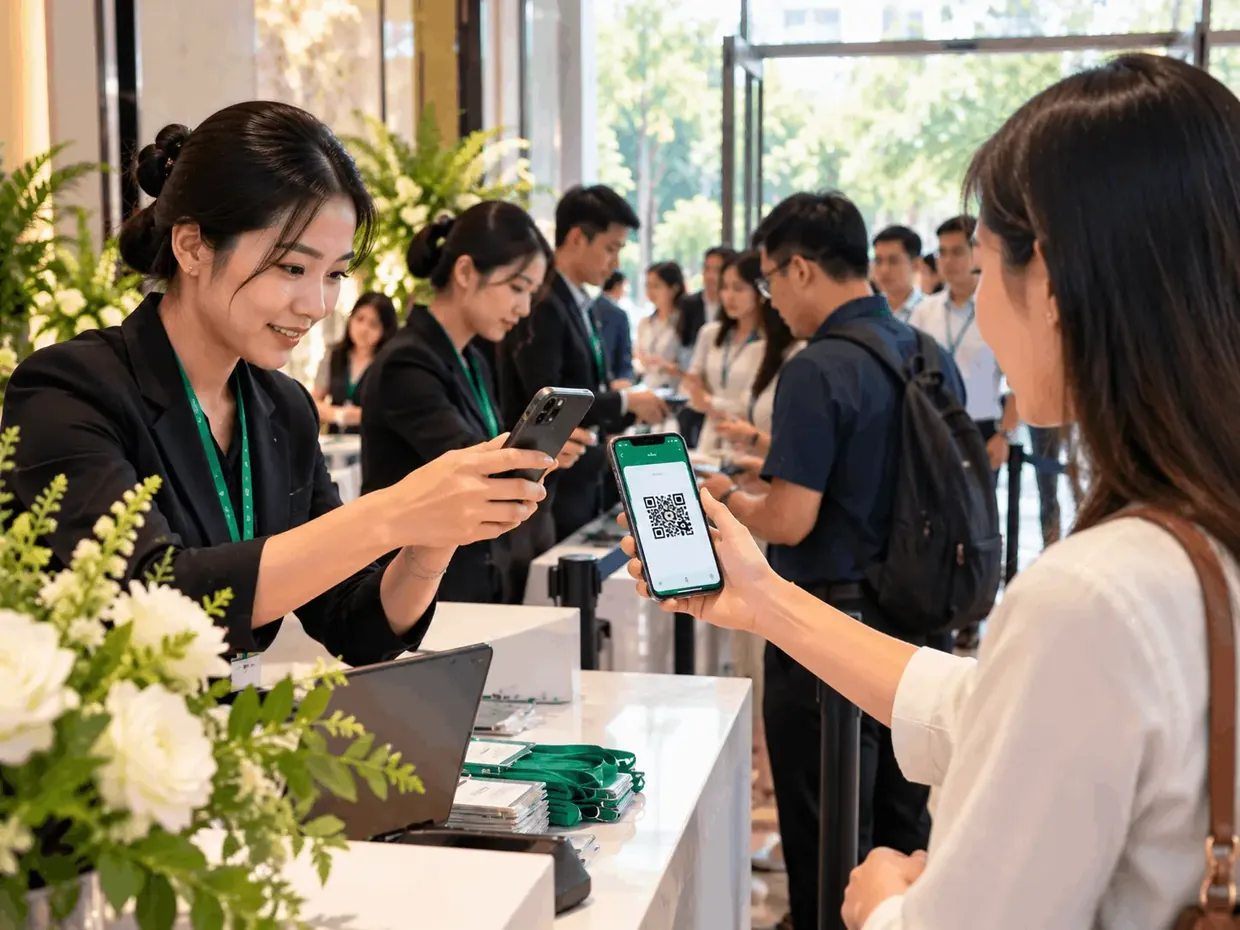
- 1 SECONDCheck-in
- OFFLINECheck-in still works
- WELCOME SCREENName call + background music
- REAL TIMESee what's happening now
HOW IT WORKS
Three steps. Done.
Create your event
Enter the details, pick a design and set up what you need.
Share the link
Guests register. QR tickets, confirmations and reminders follow automatically.
Welcome guests
Open your phone and scan. EventOS updates instantly, even offline.

Skip the demo. Use EventOS for a real event.
Your first event is free. Try it all yourself — from the registration page and QR tickets to check-in and real-time reports.
Pay per event · No sales call needed.